
Your everyday AI · Canadian-hosted · Live today
Jaisun (pronounced “JAY-sun”) doesn't sit in a tab waiting to be asked. It answers your phone, follows up by text and email, books the meeting and updates your CRM — then keeps working overnight on the jobs you hand it.
Live demo · no sign-up
This is a real Jaisun agent, answering right now. Ask it about Sunwire, about what Jaisun can do, or give it something awkward and see how it handles it. Your conversation stays in this box.
Hi — I'm the Jaisun Demo, a live Jaisun agent. Ask me anything about what Jaisun does, how it connects to your systems, or what it would look like in your business.
Demo agent. It answers from public information and has no access to any customer account. Limited to a few messages per hour per visitor.
Rather talk? Call or text the demo: (705) 885-1481
Impressed? That is the plain version. Yours would know your prices, your tickets and your customers.
Who it's for
“Your phone, answered at 2 a.m.”
Answers from your own documents and prices, takes a proper message, texts a confirmation, and leaves the details for your team in the morning.
Try it by phone: (705) 885-1481
“A front desk that never puts anyone on hold.”
Answers every call during business hours, handles the routine questions and transfers the rest to the right person. The same agent can answer the chat on your website.
Try it by phone: (705) 885-1481
“An assistant for everyone on your team.”
Emails, documents, spreadsheets, meetings and follow-ups, using your company's own files. It asks before it guesses and checks with you before acting.
“Quotes, reports and follow-ups that run themselves.”
Scheduled reports, reminders, and the follow-up nobody remembered.
The demo above can be on your website tomorrow. The same agent can answer your main line, transfer callers to a person, and text them a confirmation.
Request accessYour workspace is set up as soon as your order is approved. Open a chat, upload a few documents, and ask it something only your company would know.
Microsoft 365, your phone line, your documents and our own platforms connect from the dashboard. Need something custom? Tell Jaisun what you need connected. Sunwire scopes and quotes it, and Sunwire's 24/7 technical team reviews it before it ships.
Agents take over the repeatable work: the follow-ups, the call answering, the reports, the quotes, the reminders you keep forgetting.
Your new workflow
Jaisun is practical before it is clever. It runs your day the way a very good chief of staff would — quietly, in the background, and always with your approval on anything that matters.

The same assistant, the same memory, the same access — behaving correctly on each channel because you configure each one.
Streaming chat, file uploads and voice mode in the browser. Share a conversation with a colleague in one click. iPhone and Android apps coming soon.
Real telephony, not a wrapper. It answers your inbound line, places outbound calls, transfers to a human — and can turn a chat into a live call that already knows the context.
Text it from a job site. It texts your customers back — confirmations, reminders, updates, campaigns.
Give an agent its own address. It reads the attachments, replies in thread, and routes what it cannot answer.

Customer-facing
After hours, at lunch, during the rush — the line gets picked up by something that knows your prices, your policies and your customers.
Every agent is a role you define: a receptionist, a dispatcher, a bookkeeper, a research analyst, a night-shift supervisor. They have their own instructions, their own voice, their own permissions — and they talk to each other.
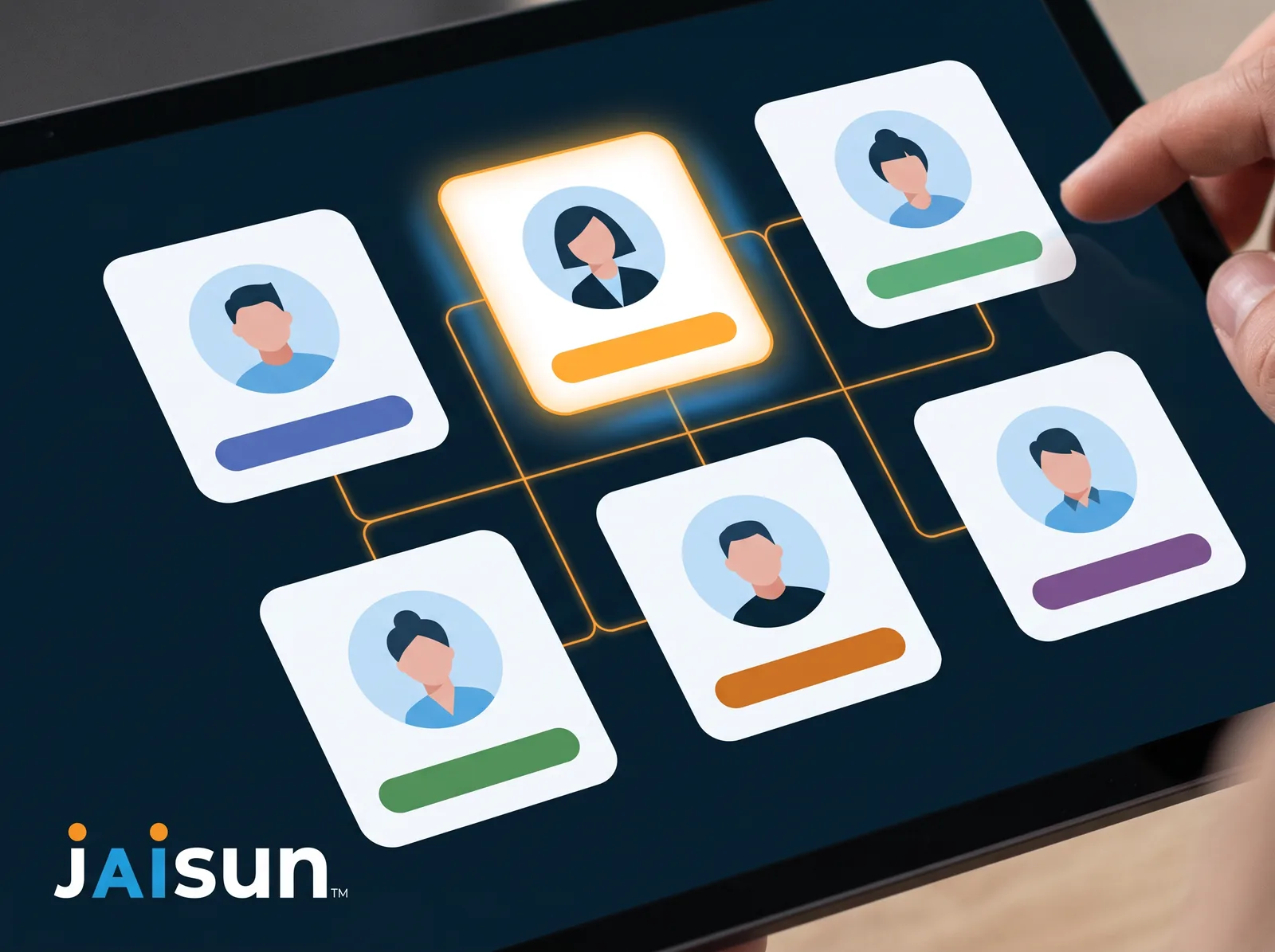
Your sales agent asks your billing agent whether the account is current, then answers the customer. No copy-paste between tools, no human in the middle.
Scheduled agents run at 2am: review the day's tickets, chase what went silent, prepare the morning summary, escalate anything material.
Access is granted per agent, per tool — and can be pinned to a single account or a single folder. Anything with consequences asks first, unless you have said it should not.
Make things, not just words
The gap between “we should have a tool for that” and having one used to be a project. Now it is a conversation.
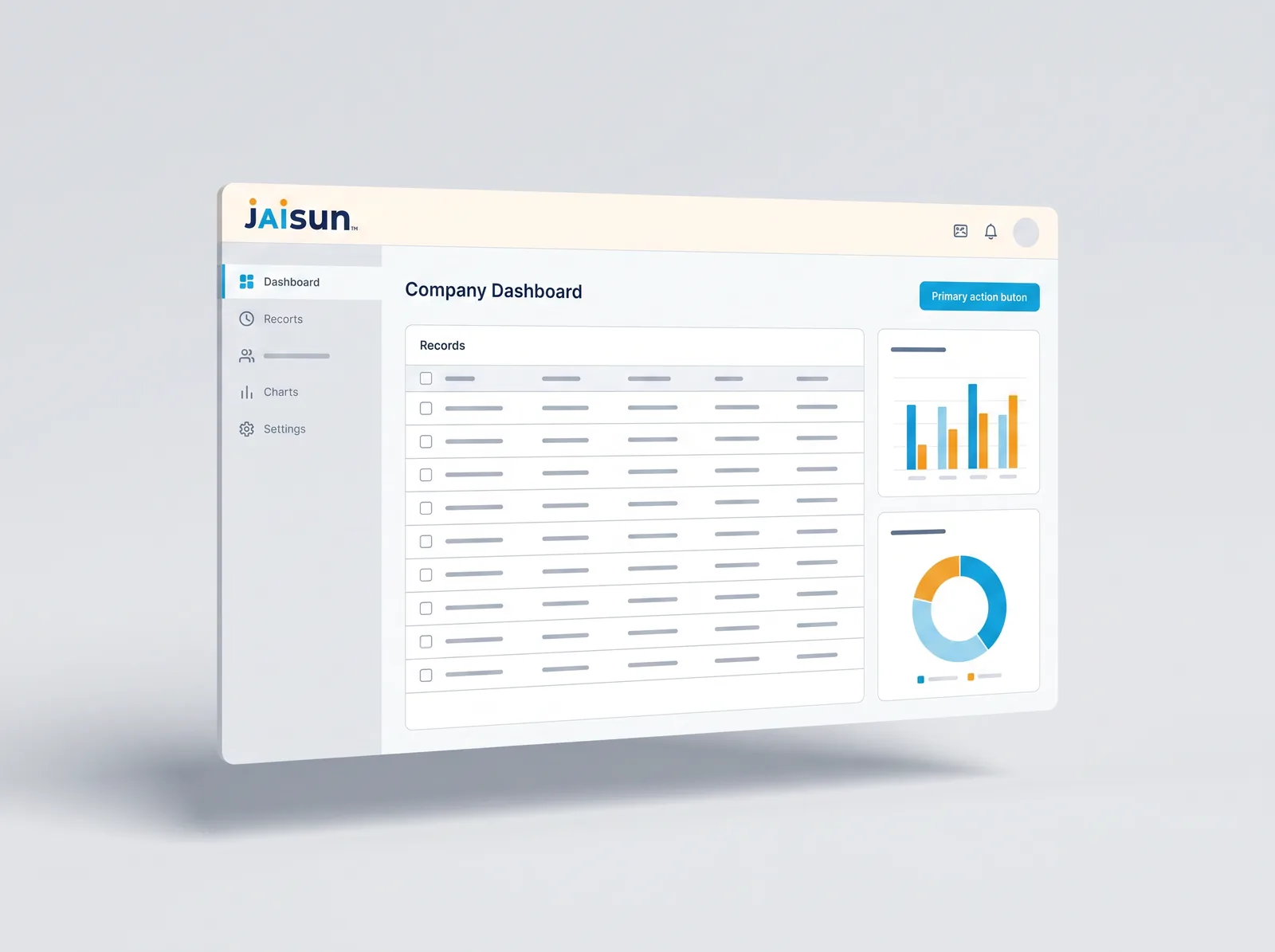

The real thing
The actual Jaisun workspace — your agents down the left, your to-do list on the right, and the same conversation in your pocket. What you see here is what you get on day one.


Because the assistant in your browser cannot pick up your phone, open your ticket, or read your ERP.
| General AI tools | Jaisun | |
|---|---|---|
| Answers the phone | No telephony | Inbound & outbound calling on our own platform |
| Channels | Chat, mostly | Web, phone, SMS/MMS, email — one brain, one memory |
| Knows your business | What you paste in | Your documents, tickets, ERP/CRM, calendars and phone system |
| Takes action | Drafts for you | Books, quotes, orders, tickets, invoices — with approval controls |
| Multiple agents | One assistant | A team of agents that consult each other |
| Where your data lives | Usually processed outside Canada | Hosted in Canada; Canada-only AI processing available on Sunwire's own models |
| Billing | USD, usually | Billed in CAD |

Sovereignty & governance
Every plan includes a monthly AI usage allowance per person. Go past it and you pay for what you used — visible live, never a surprise at month end.
$19.99/user/mo
No base fee
$49.99/user/mo
+ $49/mo base
$109.99/user/mo
+ $199/mo base
Prices in CAD, taxes extra. Usage beyond the included allowance is billed per use and is visible live. Budget caps and live spend reporting are standard on every plan.
Example: 10 people on Business = $49 + 10 × $49.99 = $548.90/month, including $250 of AI usage.
Running a public web or phone agent? Add Additional Capacity at $250/month per block to your plan's shared allowance. Unused capacity doesn't roll over, and you set a hard monthly maximum.
Jaisun Support is a Jaisun agent, the same kind you'd be setting up. Chat with it right here, or call, text or email it, any hour.
Anything technical goes to Sunwire's 24/7 technical team.
Just looking? Try the demo line: (705) 885-1481
What's new
Jaisun is built in Canada by Sunwire and released continuously. Items marked “on the web” are not in the mobile apps yet.
Important choices come as a quick tap-through form, and nothing with consequences happens without your OK. (on the web)
Change your own Word or PowerPoint file without rebuilding it; the original is kept. Plus new decks and print-ready posters.
Scanned PDFs, PowerPoint, Outlook and .eml emails, JSON and zip files, and zoom into a photo to read the fine print.
Auto picks the model for each message, or compare them side by side and choose.
Save a draft and send later, ask for an answer now, close the tab and come back to a reply still in progress. (on the web)
Answers shaped by your role, start-screen suggestions picked for you, your own assistant avatar, and search across everything you've discussed. (on the web)
Documents that belong to one agent, with per-document control over who can see them.
A hosted app with its own database and address, built from a conversation.
Start with Jaisun
Tell us who you are and what you want Jaisun to handle. We'll be in touch to set up your plan and workspace.
Questions
Straight answers, including the awkward ones. If yours is not here, ask the live agent above — it will answer it.
Jaisun is an AI assistant platform built and hosted by Sunwire. Every person on your team gets their own assistant that knows your company's documents, connects to your business systems, and can be reached by web, phone, text or email.
Jaisun is pronounced “JAY-sun.” Jai, our short name for the assistant, is pronounced “Jay.”
Businesses that want AI doing actual work inside their operations rather than a chatbot in a browser tab. It suits teams who want an assistant that can look things up in their own systems, take action, and be reached the same way a colleague would be.
Answer questions from your own documents; create and edit Word, Excel and PDF files; generate images, video, voice and music; search the web; read and write to business systems; run scheduled tasks; and hand work off to other specialist agents. What each assistant can do is controlled by which tools you grant it.
Yes. Upload files or point it at a website and Jaisun indexes them. It reads PDFs, Word, Excel, text, CSV and Outlook messages — including scanned documents, which it reads with vision AI. Documents can be private to you or shared across your organisation.
Yes, in three distinct ways: facts about you that you can see and edit; a persistent notepad for standing instructions and lists; and searchable history of every past conversation across all channels. Something you said on the phone last week is available in a web chat today.
Yes. Jaisun runs on Sunwire's own telephone platform. Assign a phone number and it answers calls, holds a real conversation, and transfers to a person when needed. It can also place outbound calls on your behalf and report back.
Both. It handles inbound and outbound SMS and MMS, and processes inbound email including attachments. The same assistant can behave differently on each channel — more formal by email, more concise by text — configured once.
Microsoft Outlook calendars, Sunwire's Leemo CRM and SolSwitch phone platform, DNS/SSL/network diagnostic tools, spreadsheets, and code repositories. There is also an OpenAI-compatible REST API for connecting your own systems.
The leading models from Anthropic and OpenAI, plus models Sunwire runs on its own hardware in Canada. Auto picks the right model for each message, or you can choose one yourself.
Your conversations, documents and settings are stored on Sunwire-operated infrastructure in Canada. Every organisation is separated from every other, with access enforced on the server.
One thing we will not gloss over: when you choose an outside model, the content of that request is processed by Anthropic or OpenAI to generate the response. If you need data to stay entirely on Sunwire hardware, use the Canada-hosted model option — that traffic never leaves our infrastructure.
Multi-factor authentication, accounts by invitation, encrypted connections, and API tokens that are scoped and expiring. Every tool an assistant runs is logged. Anything with consequences — sending, changing, deleting — asks you to approve it before it happens, and you decide individually which actions may run without asking.
Yes, and it is a core design principle. Tools are granted individually, per assistant, and can be locked to specific arguments — for example, restricted to one customer account. Actions with side effects show you a confirmation card first by default.
Starter is $19.99 per user per month with no base fee and a $10 monthly AI usage allowance per user. Business is $49.99 per user per month plus a $49 base fee, with a $25 allowance. Enterprise is $109.99 per user per month plus a $199 base fee, with a $70 allowance. Prices in CAD, taxes extra. Usage beyond the included allowance is billed per use and is visible live.
Request access above. We'll be in touch to set up your plan, and your workspace is ready as soon as your order is approved.
Every plan includes 24/7 support from the Jaisun Support agent, by chat, phone, text or email. It answers most questions itself and passes anything technical to Sunwire's 24/7 technical team. Hands-on help — custom integrations, workflow design, training — is available as a paid service; ask Jaisun for a quote. See Support below.
Request access, start talking, and ask Jaisun to connect whatever you need next.
Paste or attach screenshots (images only). Never share passwords or card numbers.